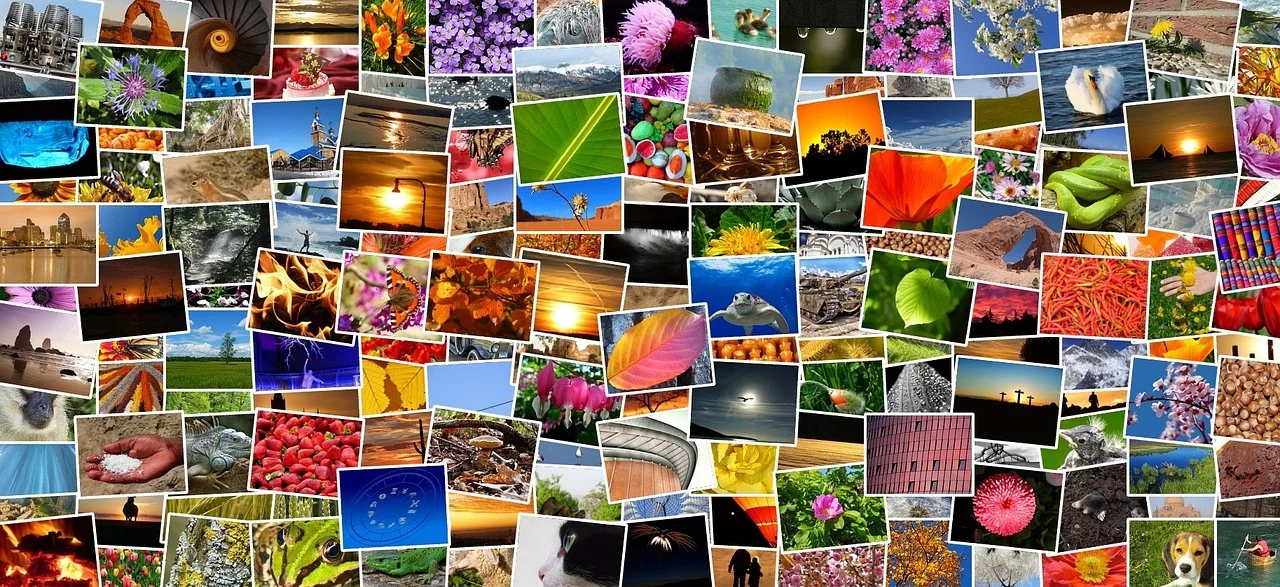
Best Random Picture Generators Online
Looking for a random picture? Maybe you need design inspiration, a writing prompt, or just something interesting to look at. Random picture generators serve all these purposes - and some do it much better than others. Here's a straightforward look at the best options available right now, what makes each one worth trying, and which one fits your specific needs.
What Makes a Good Random Picture Generator?
Before comparing specific tools, it helps to know what separates a useful generator from a gimmicky one. The best random picture generators share a few qualities:
- Image quality - Real, high-resolution photographs rather than tiny thumbnails or AI slop
- Speed - Images load fast without long waits or spinning loaders
- Category options - The ability to narrow results by theme when you want something specific
- No account required - Just open the page and start generating
- Free to use - No hidden paywalls or watermarks on the images
- Batch generation - Getting multiple pictures at once rather than clicking one at a time
With those criteria in mind, here are the best options available online.
1. RandomPictureGenerator.com
This is the tool we built, so take this with the appropriate grain of salt - but we built it specifically because the other options weren't great. Random Picture Generator lets you generate batches of real photographs across 20+ themed categories, all sourced from professional photo libraries.
The main advantage is specificity. Most random image tools give you one generic pool of pictures. Here, you can generate random cat pictures, mountain landscapes, space photography, food images, or architecture photos depending on what you actually need. Each category has its own curated image set - not a search engine pulling whatever comes up.
Other useful features include a favorites system (save images you like without creating an account), a lightbox viewer with keyboard navigation, image history so you can go back to previous results, and a share button that works on both desktop and mobile. Everything runs client-side, so it's fast and there's nothing to install.
Best for: People who want themed random images with practical features like favorites and batch generation.
2. Unsplash Random
Unsplash built their reputation on gorgeous free photography, and their random image feature delivers on that promise. You can pull a random photo from their entire collection through their website or API. The quality ceiling is higher than most alternatives because Unsplash attracts professional and semi-professional photographers who actually care about composition and lighting.
The downside is the experience. Unsplash is primarily a search engine for stock photos - random browsing isn't really the main event. There's no batch generation (you get one image at a time), no themed categories for random exploration, and the site is designed around search rather than discovery. If you're a developer who wants to embed random images via API, Unsplash is excellent. If you just want to click a button and see pictures, the workflow is clunky.
Best for: Developers using the API, or anyone who wants individual high-end photos one at a time.
3. This Person Does Not Exist
A different kind of random picture generator entirely. This site uses AI (StyleGAN) to generate photorealistic faces of people who don't exist. Every refresh produces a brand new face that was never a real person. It's equal parts fascinating and unsettling.
The technology is impressive, but the use cases are narrow. You get one category (faces), one image at a time, and no control over what appears. It's great for understanding what AI can do, for placeholder images in mockups, or for a few minutes of novelty. But it doesn't work for the kinds of things most people want a random picture generator for - inspiration, variety, or creative prompts. If you need actual random photos of people doing things in real settings, a photo-based generator gives you more to work with.
Best for: Placeholder faces for design mockups, or curiosity about AI image generation.
4. Imgur Random
Imgur has been one of the internet's biggest image hosts since 2009, and their random feature taps into that massive collection. Hit the random button and you get... whatever the internet uploaded. Memes, screenshots, photography, illustrations, text posts that someone turned into images - it's the full spectrum of human visual expression, filtered through internet culture.
That unpredictability is both the appeal and the problem. If you want genuine randomness with no filter at all, Imgur delivers. But the quality is wildly inconsistent, and you'll encounter content that's inappropriate, low-resolution, or just someone's screenshot of a text conversation. There are no categories, no favorites, no batch mode. It's pure chaos in image form.
Best for: Internet culture enthusiasts who want truly unfiltered randomness.
5. Pixabay Random
Pixabay hosts over 4 million free images contributed by photographers and artists worldwide. Their discovery features include a random image option, though - like Unsplash - it's not the primary focus of the site. You'll find solid quality across a wide range of subjects: nature, business, technology, food, travel, and more.
What Pixabay offers that some competitors don't is variety in media type. Beyond photos, you can find illustrations, vectors, and even videos. The licensing is straightforward (Pixabay License - free for commercial use, no attribution required). The random browsing experience is functional but basic. You won't find features like themed generators, batch display, or favorites - it's more of a stock photo site with a shuffle feature bolted on.
Best for: Finding free stock images across multiple media types when search-based browsing is fine.
6. Random.org Image Randomizer
Random.org is known for their true random number generator, and they offer tools that can randomize sequences of items - including images, in a roundabout way. This isn't really a picture generator in the visual sense. It's more of a utility that can help you randomize your own image sets or pick randomly from a collection you provide.
For photographers who want to randomize the order of a portfolio review, or teachers building a random selection activity from their own image library, it's handy. But if you just want to see random pictures right now, this isn't the tool for that.
Best for: Randomizing your own image collections for specific purposes.
How to Choose the Right Generator for You
The right tool depends on what you're actually trying to do. Here's a quick breakdown:
- For creative inspiration and writing prompts: Use a themed generator where you can pick a category. Seeing random ocean scenes, sunsets, or dragon art is more creatively useful than completely random internet images. We also have a collection of writing prompts designed around random pictures.
- For design mockups: Unsplash or Pixabay give you professional-quality images. For themed mockups, a category-specific generator saves you time filtering.
- For classroom activities: You want something quick, free, and appropriate. A curated generator with nature and animal categories is safer than unfiltered randomness.
- For fun browsing: Imgur if you want internet chaos. A multi-category generator like ours if you want pleasant, high-quality variety.
- For developers: Unsplash API is the industry standard. Pixabay also offers a solid API with generous rate limits.
Features Worth Looking For
Beyond the basics, a few features make certain generators noticeably more useful in practice:
Batch Generation
Being able to generate 5, 10, or 20 images at once saves a lot of clicking. If you're looking for inspiration, scrolling through a grid of images is far more effective than viewing them one by one. You can compare compositions, notice patterns, and find the picture that actually sparks an idea rather than settling for whatever appeared first.
Category Filtering
Pure randomness sounds appealing in theory, but in practice, most people want randomness within a boundary. You want a random lion picture, not a random picture that might be a lion or might be someone's lunch. Category-specific generators respect that distinction and save you the frustration of clicking through irrelevant results.
Save and Organize
A favorites or collection system means you don't lose the good finds. When you're generating dozens of random images looking for the right one, being able to heart the ones you like and come back to them later is the difference between a productive session and a forgettable one.
Keyboard Shortcuts
This sounds minor until you've generated your hundredth image and your mouse hand is tired. Generators that support keyboard shortcuts for regenerating, navigating, and saving make extended browsing sessions much more comfortable.
The Case for Random Over Search
You might wonder why anyone would use a random generator when Google Images exists. Fair question. The answer is that searching and discovering are fundamentally different activities, and each one serves a different purpose.
When you search, you already know what you want. You type "golden retriever on a beach" and Google finds it. That's useful, but it doesn't surprise you. You get exactly what you asked for, which means you only ever find things you already imagined.
Random generation flips that dynamic. You don't choose what appears - the tool decides, and your brain has to make sense of whatever shows up. That's where creative connections happen. A random butterfly photo might remind you of a fabric pattern you want to sketch. A random cityscape might give you a setting for the story you're stuck on. These connections only happen when you let go of the steering wheel and let chance do its thing.
That's not to say random generators replace search - they complement it. Use search when you know what you need. Use random when you want to find something you didn't know you were looking for.
Try It Out
The fastest way to understand the difference between these tools is to try a couple. Start with our Random Picture Generator - pick a category that interests you, generate a batch of images, and see what comes up. Then try one of the others on this list and compare the experience. You'll quickly figure out which approach fits how you like to browse.
For themed random images, check out popular categories like cats, dogs, space, mountains, horses, or cars. Or explore the full list of all generators to find your niche.